
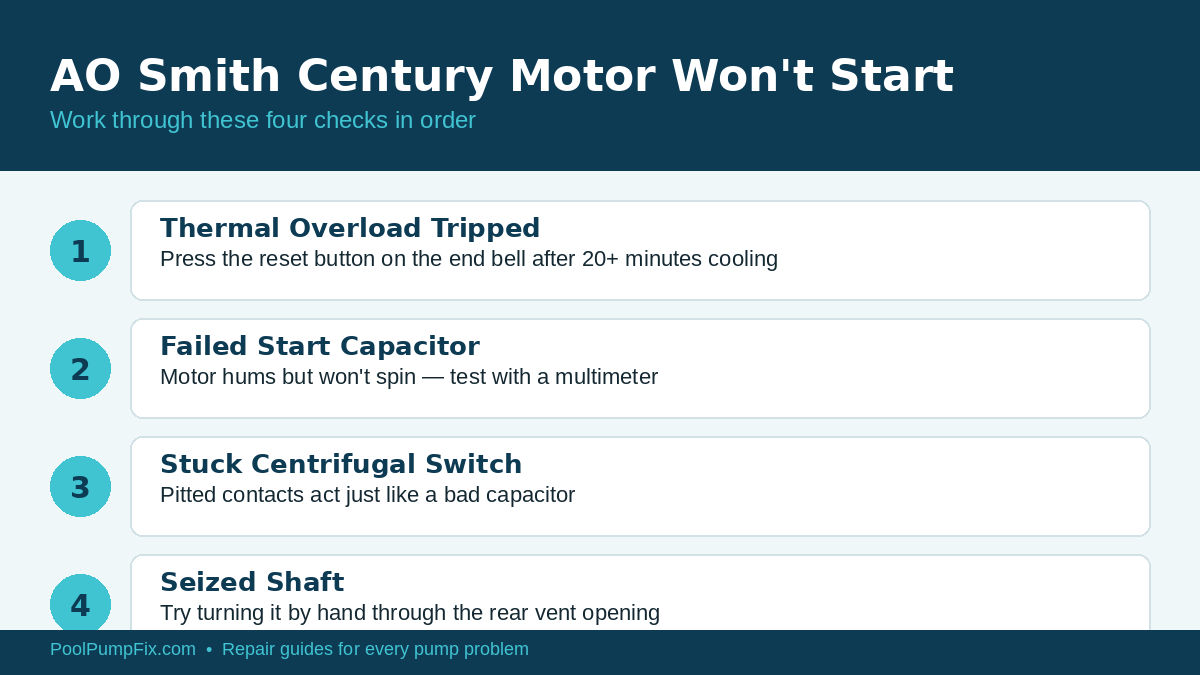
Quick Answer: A Century motor that won’t start is almost always one of four things, in order of how often I see them: a tripped thermal overload (press the reset button after it cools), a failed start capacitor (motor hums but doesn’t spin), a stuck centrifugal switch, or a seized shaft. Work through them in that order — it’s the fastest path to the real problem.
- Cost: Free (reset) to $15–$45 (capacitor) or $180+ (motor)
- Difficulty: Easy to Moderate
- Time Needed: 10–40 minutes
- Tools: Multimeter, flathead screwdriver, replacement capacitor if needed
Century motors made by AO Smith are the most common OEM motor on Hayward, Pentair, and Jandy pumps built in the last two decades, and a “won’t start” call almost never means the motor is dead. If you’ve already ruled out a cross-reference replacement question, see my AO Smith Century cross-reference guide — this article is about diagnosing an existing motor that suddenly stopped starting.
Check 1: Thermal Overload Reset
Most Century motors have a manual-reset thermal overload button on the end bell (the round black or red button on the back of the motor, opposite the shaft). If the motor overheated — from restricted airflow, a tight bearing, or just running too long on a 100°F day — the overload trips and cuts power before anything gets damaged. Let the motor sit for at least 20 minutes, then press the button firmly until you feel or hear a click. If it won’t stay in, or trips again within a minute of restarting, move to check 2 — something is making it overheat repeatedly.
Check 2: Start Capacitor
If the motor hums loudly for a few seconds and then goes silent (or trips the breaker) without the shaft turning, the start capacitor has almost certainly failed. Kill power at the breaker, discharge the capacitor by shorting its terminals with an insulated screwdriver, then pull it and look for bulging, a blown top, or leaking oil — any of those is a dead giveaway. A digital multimeter with a capacitance setting will confirm it: a healthy start cap reads within about 10% of its rated microfarad value stamped on the case. Century start caps typically run $15–$45 and take under 15 minutes to swap.
Check 3: Centrifugal Switch
Inside the motor, a centrifugal switch disconnects the start winding once the motor reaches about 75% of running speed. If the contacts on this switch get pitted or the mechanism sticks in the “stopped” position, the symptom looks identical to a bad capacitor — a hum with no rotation. This requires opening the motor end bell, which is a bigger job than swapping a capacitor, but it’s worth checking before you assume you need a new motor if the capacitor tested good.
Check 4: Seized Shaft or Bearings
Pull the rear vent cover (or the whole motor from the wet end if needed) and try turning the shaft by hand. It should spin freely with only light resistance. If it’s locked solid, mineral scale or a failed bearing is the culprit, not an electrical fault — no amount of capacitor or switch work will fix a seized shaft. At that point you’re looking at bearing replacement or a full motor swap depending on how far gone the bearings are.
Step-by-Step Diagnostic Order
- Kill power at the breaker and confirm zero voltage at the motor with a tester.
- Try the thermal reset button after letting the motor cool fully.
- Listen for a hum with no rotation on the next start attempt — that isolates it to capacitor or switch.
- Pull and test the capacitor visually and with a multimeter.
- If the capacitor is good, the centrifugal switch is the next suspect — this is where I’d bring in a motor shop unless you’re comfortable opening the end bell.
- Confirm the shaft spins freely by hand at any point where nothing electrical explains the symptom.
When to Call a Professional
If you’ve confirmed good voltage, a good capacitor, and a free-spinning shaft and the motor still won’t start, there’s an internal winding fault that isn’t worth chasing on a motor this affordable to replace — a motor shop can megger-test the windings in a few minutes if you want a definitive answer before buying a new one.
Prevention Tips
- Keep the vent openings on the motor housing clear of leaves and debris so it doesn’t overheat and trip the overload repeatedly.
- Replace the capacitor proactively if it’s original and more than 5–7 years old — it’s cheap insurance against a mid-summer failure.
- Note your motor’s exact model number now (stamped on the nameplate) so a replacement search takes minutes, not an afternoon, if it ever comes to that.
FAQ
Why does my Century motor hum but not spin?
That’s almost always a failed start capacitor or a stuck centrifugal switch — both prevent the motor from getting up to speed even though it has power.
Can I reset the thermal overload myself?
Yes — it’s a manual push-button on the end bell of the motor. Just make sure it’s fully cooled first or it won’t stay reset.